Czech EET 2.0 From 1 January 2027: What Custom POS and Kiosk Software Has to Do
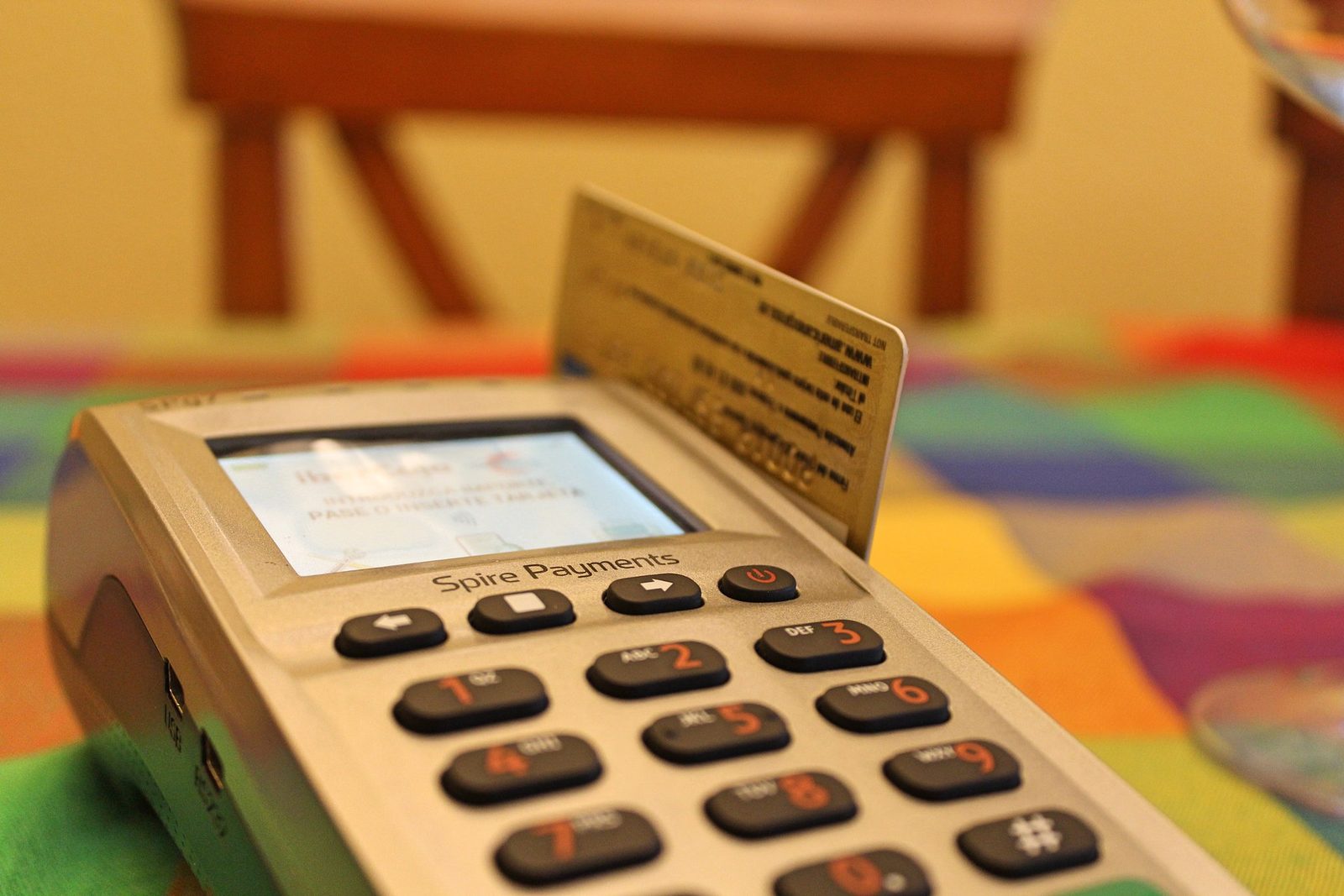
Czech sales recording is back. President Petr Pavel signed the EET 2.0 act on 17 September 2026, and the Financial Administration's announcement is plain about the date: the obligation to record sales starts on 1 January 2027. It covers contact payments between business and customer, including all cash. Cash, card, phone or QR code: if the customer pays in person or on your premises, the sale goes to the tax authority as it happens.
For most small traders this means a vendor update or a free state web app. For chains running their own till software, self-service kiosks or a payment app staff carry around the floor, it is an integration project with about 90 days left. This article is for them.
What Changed Since the First EET
The original EET was abolished in 2022. EET 2.0 keeps the core idea (each qualifying sale is sent online and acknowledged by the state) and drops a lot of the weight:
- Minimal data. The old system split each sale by VAT rate. EET 2.0 sends one total, VAT included, whatever the rates.
- No receipt obligation. Businesses no longer have to issue a receipt for EET purposes, and the acknowledgement code does not have to appear on one.
- A narrower scope. Only contact payments between customer and business are recorded; the old system covered a wider range of payments.
- A free state option. MOJE eet, a web app for the smallest businesses, plus an opt-out called EET OFF for some flat-rate sole traders.
The technical change is bigger than the list suggests. The transport is familiar: SOAP 1.1 over HTTPS with WS-Security signatures, as before. The message is not. The new interface is version 4.1, the old one was 3.1, and the specification says the 2026 changes "are incompatible with previous system". The developer seminar deck lists the BKP security code, the simplified mode flag and the VAT items as removed. Old EET code is a reference for the plumbing and nothing more.
What Is in Scope
The official page on who must record sales sets three conditions: the payment is a contact payment or any cash payment, it is business income, and no exemption applies.
A contact payment happens either in personal contact with you or your staff, or in your premises or vehicle in connection with the goods or service. The seminar deck says outright that the second rule targets self-service checkouts and self-service premises. A kiosk inside your store is in scope even though no employee touches the transaction. Cash is always recorded, even away from your premises, except cash on delivery collected by a postal service.
The payment method does not matter. Cash, card, QR code, a bank transfer or direct debit made at the point of sale, crypto-assets, gift cards, meal vouchers and prepaid cards are all listed.
Payments at a distance are out: an e-shop paid through a payment gateway, or an invoice the customer pays from their office. What counts is how the money actually moved, not what the invoice says. If a customer pays CZK 200 by card at the counter and the remaining CZK 800 by transfer from home the next day, only the CZK 200 is recorded.
Vending machines that are premises in their own right (the coffee machine is the official example) are exempt, as are self-service stands outside your premises where recording would be impractical. The exemption list also covers public bodies, banks, gambling and energy, among others.
Who Can Skip Most of This
Micro businesses can use MOJE eet, which launches on 1 December 2026. The June developer seminar pitched it at businesses with up to two registration units and two employees. Flat-rate sole traders in the first band with income up to CZK 1 million can opt out through EET OFF.
Businesses on a mainstream POS product should get an update from their vendor. Ask when it ships and what happens during an outage, then register in the tax portal and install the certificate.
Everyone else should keep reading: in-house or customised till software, kiosks you built yourself, staff payment apps, or a group where one payment can belong to two companies.
What Has to Be Built
Everything is on the developer documents page: the interface description (the English version is non-binding), the XSD and WSDL, sample signed requests and playground certificates.
Registration units and device IDs
Every message carries a registration unit ID. You create units (a store, a mobile stand, a delivery vehicle) in DIS+, the tax portal, and the system assigns each one a number. Chains can import units in bulk, and changes have to be reported within 15 days. Your POS needs a maintained mapping from each site to its unit ID, plus a device ID of up to 20 characters that is unique within the unit.
Certificates
This is where custom systems usually lose time. The certificate procedure sets out the steps:
- The key pair is generated by the EET certification authority, not on your device. You download a password-protected PKCS#12 file, available until you confirm the download and for 30 days at most.
- The file uses legacy 3DES encryption for the sake of older tills. The document warns it may not load on OpenSSL 3 without the legacy provider, and recommends re-wrapping it or moving the key into a vault.
- Certificates are valid for one year. One certificate can serve one device or several; how many you issue is your decision.
- Renewal can be automated over a REST API: a short-lived JWT signed with the certificate being renewed, then poll the request, download, acknowledge. The authority recommends renewing two to three weeks before expiry. Once a certificate has expired the API route is closed, and someone renews it by hand.
- Protecting the private key is the taxpayer's legal duty. One key file copied onto forty tills is a revocation waiting to happen.
The data message
The header holds a fresh UUID for each attempt, the send time, a first-attempt flag and an optional verification flag. The data part holds the taxpayer's EIČ, the unit ID, the device ID, a sequence number (up to 25 characters, unique per unit and device), the sale time with its timezone offset, and the total in CZK with exactly two decimals. Two optional amounts cover prepaid top-ups and drawdowns; two more fields cover recording on behalf of another taxpayer.
Record what was actually received: a cash bill of 78.90 rounded to 79 goes in as 79.00, the same bill by card as 78.90. A bill paid partly with meal vouchers and partly by card is one message with the total.
Signing and sending
Each message is signed with XML Signature in the WS-Security header: exclusive canonicalisation, a SHA-256 digest, RSA-SHA256, the certificate attached as a BinarySecurityToken, and only the SOAP body signed. Leave out extra headers such as Timestamp or WS-Addressing: messages over 12 kB are rejected, and a message that looks like an attack may get no response at all. TLS 1.2 or later is mandatory, and the client must verify the server certificate. Production uses DNS balancing, so resolve the hostname on every connection instead of pinning an IP.
Since version 1.2 the endpoint supports CORS, so a browser-based POS can call it directly. Decide where the private key lives before anyone writes that JavaScript.
Responses, outages and the 48-hour rule
A valid message gets a synchronous reply with a 39-character acknowledgement code (POK), signed by the tax authority. Verify that signature and store the POK with the sale. An invalid one gets an error code; -1 means a temporary fault, so send again later. Smaller problems come back as warnings, one of them when the sale time is more than two hours ahead of the server's clock. Kiosk clocks drift. Sync them.
You set the response timeout yourself, at no less than two seconds. If no POK arrives in time, the sale goes to a queue. Per the seminar deck, the retry reuses the original body with a new header: new UUID, first-attempt flag set to false, new send time, original sale time. It goes out as soon as the connection is back and no later than 48 hours after the sale. The obligation does not lapse at 48 hours either: a late message is still owed.
So the queue must survive a reboot and raise an alert well before the 48 hours are up. One more trap: if the certificate expires while sales are waiting, they must be signed with a currently valid one.
Refunds, corrections and duplicates
A refund or cancellation is a new message with a negative amount, dated now and not linked to the original. A correction is either a cancellation followed by the right message, or a single difference message. Duplicates are detected by six fields (EIČ, unit, device, sequence number, sale time and total), so a retry with the same body is safe. A retry that regenerates the sequence number is a second sale.
Receipts
Less work than under the first EET: no receipt is required for EET purposes, and the POK need not appear on one. Remove any code that holds up printing until the POK arrives. Where you issue receipts under consumer law, keep the EET sequence number aligned with the receipt number; the specification notes that in practice the two usually match.
Edge cases chains run into
- Prepaid cards, wristbands and wallets: the top-up and every spend are recorded, with the extra amount fields set.
- One payment, two taxpayers: the deck's fuel station example (fuel sold on behalf of another company, coffee on your own account) needs two messages, each carrying the data of its own taxpayer.
The Timeline
- 5 June 2026: technical documentation published.
- 1 July 2026: the playground opened. Between 26 July and 26 August it processed 170,389 test transactions from 624 client IP addresses, 94.6% of them processed successfully.
- 1 November 2026: EET in DIS+, registration units and production certificates.
- 1 December 2026: MOJE eet launches.
- 1 January 2027: the obligation starts for everyone at once, with no phasing.
The official schedule calls January a pilot month, then adds that it will already be standard recording. An earlier announcement described the pilot as voluntary. Until that is clarified, plan to send real messages from 1 January.
One formal step remains: when the signature was announced on 22 September, publication in the Collection of Laws was still to follow. That is routine.
A 90-Day Plan
October: scope and build.
- List every point where money changes hands: tills, kiosks, handhelds, table-ordering flows paid in the venue, your own drivers collecting cash. Assign each to a taxpayer and a future registration unit.
- Choose the architecture: sign on each device, or run one service that signs and queues for all of them. The system accepts both. For a chain, central usually wins: one key store, one queue, one place to watch.
- Build the message builder, signer and queue against the playground with the shared test certificates. Validate every message against the XSD in CI.
November: production credentials.
- From 1 November, activate EET in DIS+, create the units (bulk import if you have many) and issue production certificates. Put them in a vault, not on USB sticks.
- The specification sets 1 November 2026 as the earliest valid sale date on production. Send verification-mode messages with the real certificate: they test the whole chain without recording a sale.
- Finish refunds, prepaid flows, certificate renewal and alerting on queue age.
December: rehearse.
- Roll out to one site. Pull the network cable at the lunchtime peak and watch the queue drain afterwards.
- Load test your busiest hour through the signer.
- Freeze changes before the Christmas peak. Tell staff what an outage looks like; if the queue works, they do nothing.
January: the pilot month.
- Reconcile daily. Compare your POS totals with the aggregated sums in DIS+, where you can also request a detailed CSV export containing every POK.
Where to Get Help
We build and change POS integrations: the message builder and signer, the outage queue, certificate storage and renewal, the unit mapping and the reconciliation against DIS+. When the till software is old and its authors have moved on, our legacy system maintenance service is where that work starts. If your own team knows the system but lacks hands before January, we can add developers to it.
If you run your own tills or kiosks in Czechia and have not sent a message to the playground yet, write to office@c9group.dev.